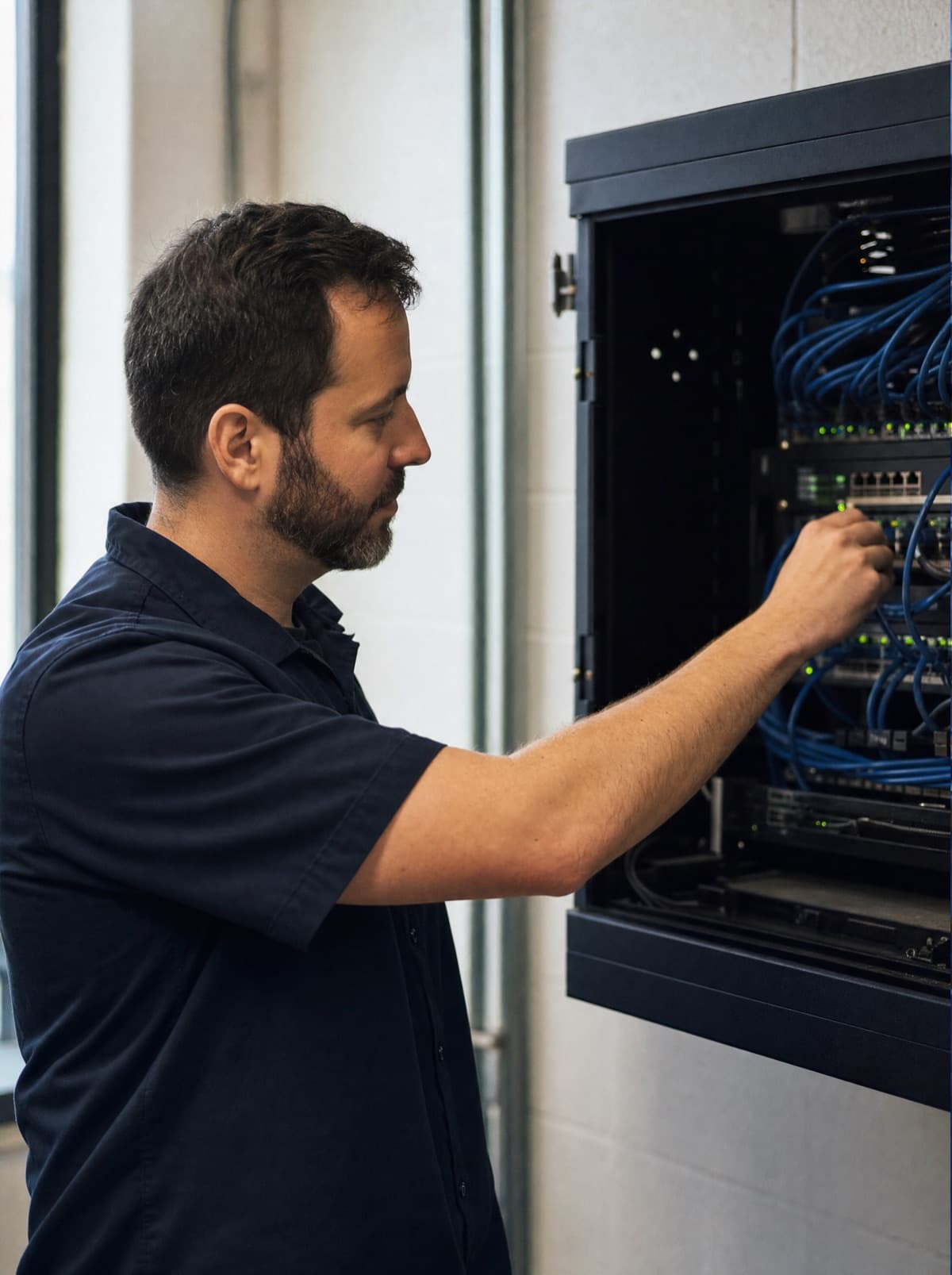
GDPR in IT infrastructure comes down to getting four things technically right: proper access control, traceable logging, working deletion concepts, and a full overview of every processor that touches your data. Many businesses have a privacy notice on their website and a folder of forms – but the actual work happens in the infrastructure: in permissions, logs, backup routines and contracts with IT providers. Without that part in order, no privacy notice, however well written, makes the infrastructure GDPR-compliant.
This article covers what technically contributes to GDPR compliance in a business's IT infrastructure and is not legal advice. Whether and how the individual points apply to your specific business depends on the individual case – when in doubt, have it reviewed by a law firm specialising in data protection or by your data protection officer.
Why IT infrastructure is where GDPR gets decided technically
The GDPR requires, among other things, appropriate technical and organisational measures to ensure a level of protection suited to the risk – what counts as appropriate always has to be assessed for the specific business, not derived in a blanket way from the wording of the law. In practice that means the firewall configuration, the permission structure on the file server, the backup strategy, and the question of who logs into the ERP system with which password are all data protection topics, even though they sit with IT rather than with the data protection officer alone. When IT infrastructure gets planned without that lens, gaps appear that later have to be closed at considerably more effort than building them in from the start would have taken.
Access control: who's allowed to access what
The starting point is a simple question that's often surprisingly hard to answer in a network that has grown over time: who currently has access to which data, and why? In many SME networks, shares have grown organically over the years, staff have kept permissions from earlier roles, and a central permission structure exists only in the heads of a few individuals. Technically sound access control means granting permissions on a least-privilege basis, tying them to roles rather than individuals, and consistently adjusting them whenever someone changes role or leaves.
- Grant permissions by role rather than by individual, so staff changes don't leave orphaned access behind
- Restrict access to sensitive data (HR, finance, customer data) more tightly than general file shares
- Review existing permissions regularly rather than setting them up once and never revisiting them
- Manage accounts and rights centrally rather than through local logins on individual systems
Logging: what happens when something happens
Access control alone isn't enough if nobody can reconstruct, when it matters, who accessed which data and when, or what was changed. Logging isn't an end in itself – it's the basis for being able to investigate an incident at all, whether that's an external attack or an internal irregularity. What matters here is balance: the goal is traceability of security-relevant events, not blanket surveillance of staff, which would itself need its own legal basis under data protection law.
- Log security-relevant events: logins, failed access attempts, changes to permissions
- Collect logs centrally rather than leaving them scattered across individual devices where they can't be found when it matters
- Define a retention period for logs rather than keeping them indefinitely or not at all
- Restrict access to the logs themselves too – log data is sensitive data as well
Deletion concepts: data can't sit around forever
A common weak point isn't collecting data but failing to delete it. Former employees' mailboxes, application documents from rejected candidates, old customer databases on servers nobody actively uses any more – all of it accumulates over the years without anyone actively deciding to keep it. A deletion concept sets out which categories of data are kept for how long and how deletion is actually carried out technically, rather than existing only on paper.
- Define data categories with their respective retention periods (e.g. application documents, mailboxes of former staff, log data)
- Automate deletion routines technically wherever possible, rather than relying on someone remembering
- Factor backups into deletion planning – otherwise deleted data quietly lives on in backup copies
- Document deletions so that, if needed, you can show that they actually happened
Access control, logging and segmentation are the technical foundation for this. The solution page shows how we implement IT security in existing businesses.
See IT securityProcessor agreements: when providers are part of the picture
Almost no business runs its entire IT in-house – cloud storage, email hosting, accounting software, backup providers: as soon as an external provider processes personal data on your behalf, you need a data processing agreement covering things like being bound by your instructions, security measures, and deletion once the contract ends. In practice this overview is often missing entirely: nobody has a complete list of every provider in use, let alone the matching agreements on hand. The same applies to AI tools: anyone feeding company data into an AI assistant needs to know where that data is processed – a locally run model is one option here.
- Keep a complete list of every provider that has, or could have, access to personal data
- Obtain data processing agreements and store them centrally rather than searching scattered email inboxes for them
- Clarify server location and third-country transfers for every provider, especially cloud services based outside the EU
- When switching providers, actively decommission the old access and data, not just set up the new provider
Technical and organisational measures: what belongs to it in practice
Technical and organisational measures (TOMs) is the umbrella term for everything above plus classic IT security: firewall, encryption, network segmentation, backup strategy, updates and patch management. Documenting these measures concretely for your own infrastructure isn't just paperwork – it's the basis for being able to show, if needed, that an appropriate level of protection is actually in place rather than merely claimed. Anyone drafting such documentation from scratch, or revising an existing one, should base it on the infrastructure actually in use, not on a generic template pulled from the internet.
Where to start if none of this is documented yet
Starting from zero doesn't mean solving every point at once – what matters more is beginning with an honest stocktake rather than jumping straight to a new firewall rule or a new tool. The order in which you tackle the individual building blocks should follow where the biggest risk currently sits, not what's fastest to tick off.
- 01Stocktake: which systems process personal data, and who currently has access to them
- 02Clean up access control: remove orphaned permissions before setting up new rules
- 03Set a deletion concept for the largest data stores before regulating smaller file shares in detail
- 04Complete the list of processors and chase up any missing agreements
- 05Build the TOM documentation on the basis of the first four steps, rather than copying it from a template beforehand
How NDVDL takes on the technical side of the GDPR
NDVDL takes care of the technical implementation in the infrastructure, not legal advice. On site, we look at which systems process personal data, who has access to what, and how logging, backups and remote access are set up. You receive a written proposal on what gets cleaned up in which order – coordinated with your data protection officer, if you have one.
During ongoing operations we keep permissions, logging, deletion routines and documentation up to date when staff change or new systems are added. That keeps the documentation of the technical measures tied to the real setup, and it belongs to you. You have one fixed point of contact for the IT side and don't have to think about data protection yourself every time something changes.
Do you know who can access your HR and customer data today? We carry out a stocktake with you on site and show you in writing what should be cleaned up technically first.
Arrange a stocktakeFrequently asked questions
Questions about your IT infrastructure?
Talk directly to our team — no obligation, no detours.