IT in Manufacturing: Where Office IT Ends
In a manufacturing business, office IT ends where a network outage no longer just slows things down but stops a shift. Production IT needs a network separated from the office, isolated segments for machines running legacy operating systems, robust network equipment for dust, vibration and temperature swings, and controlled remote maintenance access for machine manufacturers. Planning production IT like office IT means building past these requirements.
Planning works best when IT and production management sit at the table together from the start: IT knows the network technology, production knows the machines, their cycles, and the points where a failure hurts most. Ask only one side, and the information that actually makes the difference is usually the piece that's missing.
Why should the production network and the office network be separated?
In an office, one shared network for workstations, printers and Wi-Fi is usually enough. In production, the consequences of a problem on a shared network are far more serious: an infected laptop share in the office must not be able to reach the same broadcast domain as the controller of a CNC machine. Separation happens through dedicated VLANs or, for higher requirements, physically separate networks with a firewall in between that defines exactly which traffic is allowed in which direction.
- A dedicated VLAN or physically separate network for production equipment, separate from office and guest Wi-Fi
- Firewall rules that permit only the connections actually needed, not 'everything open between the networks'
- A separate view of which devices are actually active on the production network — transparency before trust
How do you deal with machines running legacy operating systems?
In most production halls, machines run on control computers whose operating system hasn't received a security update in years — often because the manufacturer certified the machine for a specific Windows Embedded release, and updating would void that certification or the warranty. Replacement is rarely possible on short notice; the machine, after all, still works. The practical approach isn't the update, it's isolation: the machine gets its own strictly separated network segment, without internet access and without direct reachability from the rest of the network. Whatever communication it actually needs — a connection to a control system, for instance — is enabled deliberately; everything else stays closed.
- Put legacy machine controllers into their own isolated segment without internet access
- Enable only the connections actually needed, not the whole network by default
- Keep an inventory of which machine runs which operating system — the basis for every later decision
What does availability during a shift actually mean?
In an office, a short network outage is annoying. In production, the same outage can stop an entire line if machines rely on the network for orders, bills of materials or release approvals. Availability is therefore not an abstract requirement but a very concrete one: which network component is allowed to fail without stopping the shift? Redundant uplinks between the core switches, a spare unit for critical components kept on site instead of ordered after the fact, and monitoring that reports a failure before the shop floor does — that's what makes the difference here.
- Redundant links between the core network components in production
- Keep spare hardware for critical switches on site instead of ordering it after a failure
- Active monitoring with alerting, instead of waiting for a report from the shop floor
The manufacturing industry page shows which IT topics typically belong together in production businesses, from network separation to machine data.
IT for manufacturingWhat should network equipment on a shop floor be built to withstand?
Standard office-grade network equipment isn't built for a hall with dust, metal shavings, vibration and temperature swings between summer and winter. Industrial switches rated at least IP54, often IP65, withstand dust and splash water, operate across a much wider temperature range than office equipment, and are usually fanless so no fan clogs up with dust. Cabling deserves the same attention to the environment: shielded cables and rugged connectors hold up to the mechanical stress of a production hall far longer than office-grade material.
Moving between a cooler tool preparation area and a warmer production hall creates condensation on electronics — an effect that barely occurs in office environments but can damage network equipment in production. It's worth considering such transitions when choosing where to place switches.
How are remote maintenance connections from machine manufacturers integrated safely?
Many machine manufacturers insist on remote access for maintenance, diagnostics or software updates — understandable, but a permanently open external connection into the production network is a risk out of proportion to the benefit. A better approach is access that's only active when needed, limited to the specific machine, and logged so it's clear who connected and when. Each manufacturer gets its own access instead of one shared gateway for all remote maintenance — so it stays traceable which access belongs to which purpose if something needs to be clarified later.
- Activate remote maintenance access only for a limited time, not permanently
- A separate, clearly scoped access per machine manufacturer instead of one shared access for all
- Logging of who connected when and which machine was accessed
Why does clean documentation of production cabling pay off?
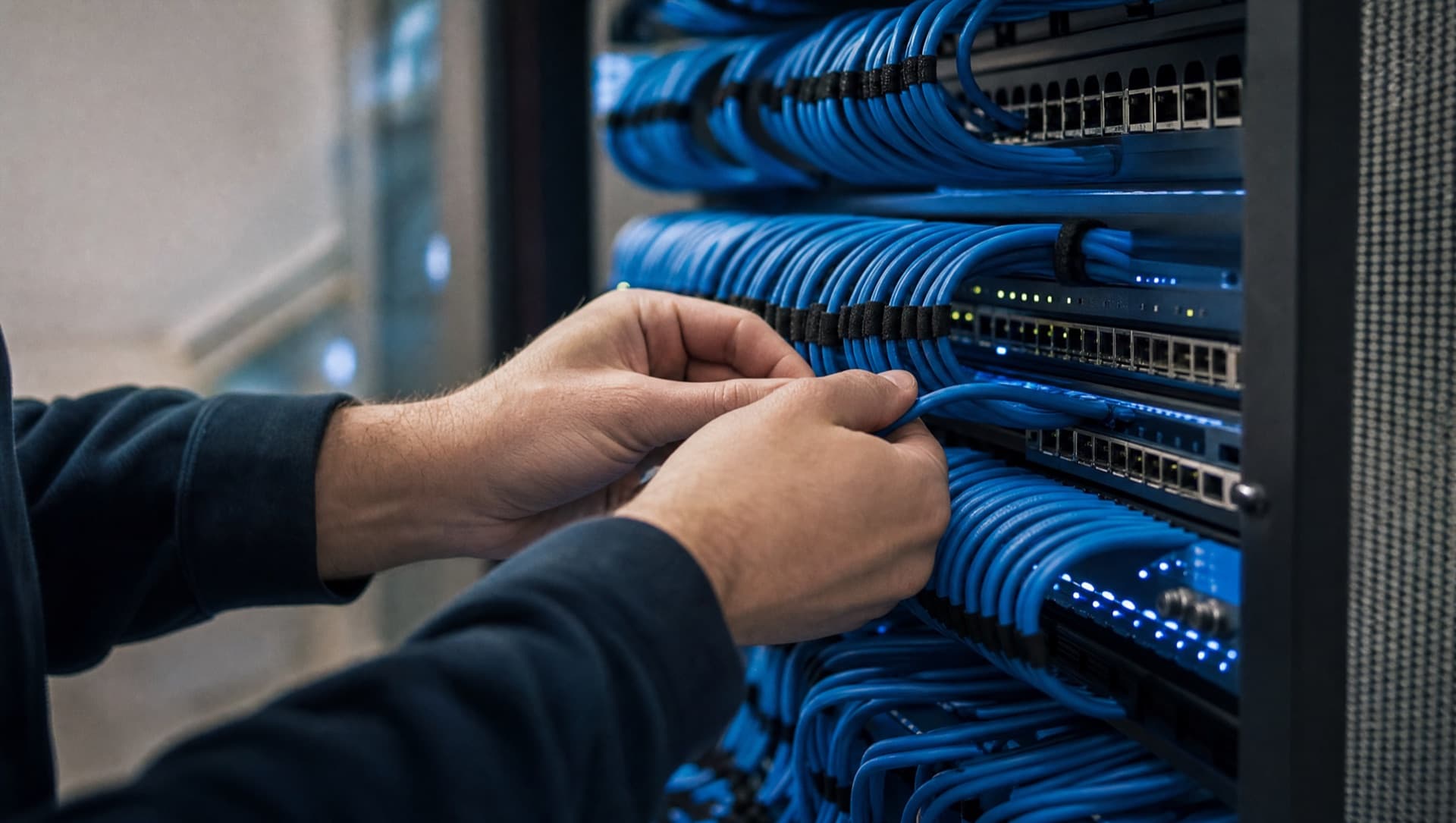
A production hall gets rebuilt, expanded and reassigned again and again over the years — new machines arrive, old ones get moved, lines get reconfigured. Without documentation of which cable goes where and which switch port belongs to which machine, every later change turns into a search. A clean cabling plan, consistent labeling at both ends, and an up-to-date overview of active devices save time at exactly the moment a machine is down and nobody immediately knows why.
- Document the cabling plan and port assignments, and keep them current with every change
- Label both ends of every cable, not just the switch end
- Keep an overview of which device sits on which port — the basis for fast troubleshooting during a fault
How does machine data get from the shop floor into the ERP?
Once the production network is cleanly separated and documented, the next question becomes interesting: what happens to the data generated at the machines? In many businesses, output counts, downtime and faults are written on the shift sheet and later transferred into the ERP or a spreadsheet. Orders reach the machine as printouts, and the reason for a stoppage is at best noted in the shift log. These are media breaks that cost time and make reporting inaccurate.
- Capture output counts, run times and fault messages automatically wherever the machine controller allows it
- Pass machine data to the ERP or reporting through a clearly defined route in the firewall, not through open access into the production network
- Bring orders digitally to the workstation at the machine instead of printing them
- Introduce AI only once downtime reasons and maintenance reports are captured cleanly, for example to reveal patterns or make maintenance documents searchable, running on-premise if required
The network separation described above isn't an obstacle to this but the prerequisite: only when it's clear which data may flow in which direction can machines and office systems be connected without making production vulnerable.
How NDVDL takes over IT in a manufacturing business
NDVDL plans production IT on the shop floor, not at a desk: together with production management and maintenance, looking at the machines, shift times and the places where data is still transferred by hand today.
- 01Walkthrough of production and an inventory of which machines with which operating systems are on the network and which remote maintenance connections exist
- 02Written proposal covering network separation, segments for legacy machines, redundancy, spare hardware and, where useful, capturing machine data
- 03Implementation planned around the shift schedule and maintenance windows so that no line stops unexpectedly
- 04Ongoing operation, monitoring and maintenance of the network, with a cabling plan, port assignments and one fixed contact person
The manufacturer remains responsible for the machine controller. NDVDL takes over the network, segmentation, remote maintenance access and the documentation behind it, so production management doesn't have to become the IT department.
Not sure exactly which machines in your hall are on the network and who accesses them from outside? We'll walk through production with you and then set out in writing where separation and protection need to start.
Arrange a walkthroughFrequently asked questions
Questions about your IT infrastructure?
Talk directly to our team — no obligation, no detours.